

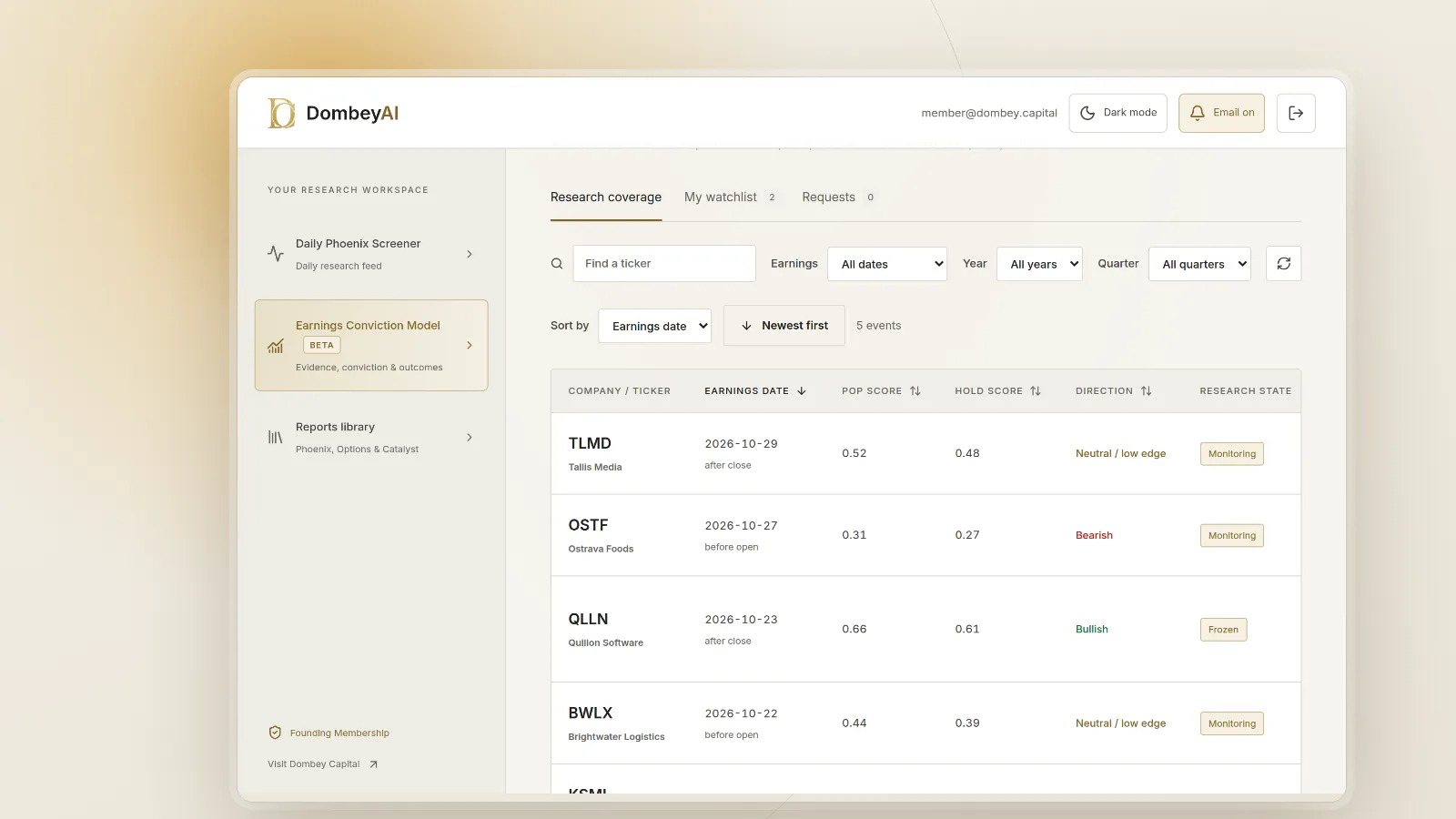


Full disclosure: Dombey Capital is our own research service and our top pick here, for the reasons below. The section on where it falls short is there so you can judge whether it fits your process.
Quick comparison
| Tool | Best for | Key features | Price (as of October 2026) |
|---|---|---|---|
| Dombey Biweekly Catalyst BriefingTop pick | Special situations catalysts | Briefing on forthcoming corporate and market events across Dombey's coverage, every two weeks | Founding Membership $1,200/year; Standard Access $6.67/month |
| Earnings Whispers | Free confirmed earnings dates | Weekly and monthly calendar views, before-open and after-close timing, Hide unconfirmed filter | Free account; see the vendor's pricing page for paid services |
| SEC EDGAR full-text search and RSS | Primary-source dates for votes, closings and filings | Full text of filings since 2001, form type and date filters, RSS feeds by company or form | Free |
| Wall Street Horizon | Institutional date confirmation data | Confirmed and unconfirmed status, DateBreaks revision alerts, 40+ event types, API and streaming feeds | Price on request |
| Nasdaq earnings calendar | Quick daily earnings list | Report time, consensus EPS forecast, number of estimates, last year's report date | Free |
| Benzinga Pro | Calendars plus live news | Multiple calendars including earnings, FDA and conference calls, newsfeed, audio squawk | See the vendor's pricing page |
| Koyfin | Calendars inside a research terminal | Earnings calendar filtered by watchlist or ETF holdings; filings and transcripts on paid plans | Free; Plus $39/month and Premium $79/month billed annually; Advisor plans from $209/month billed annually |
| Finviz | Screening plus filing alerts | Earnings calendar, screener, Elite alerts on SEC filings and news | Free; Elite $39.50/month or $299.50/year |
| TradingView | Charts with calendars | Earnings, economic, dividend and IPO calendars, filters by country and time zone, more alerts on paid plans | Free Basic; paid plans $12.95 to $199.95/month billed annually |
| Yahoo Finance | Free broad calendar | Earnings, IPO, split and economic event calendars, call time, EPS estimate and surprise | Calendar free; see the vendor's pricing page for paid plans |


How we compared these tools
We compared these tools from vendor documentation, pricing pages and public product pages read in October 2026. We did not run trials or place trades with any of them. Prices are as listed by each vendor on the day; where a vendor page would not load or did not show a price, the table says so.
We used five criteria, in this order of weight:
- Confirmation. Does the tool tell you whether a date has been announced by the company or projected by the provider?
- Event range. Does it cover only earnings, or also shareholder votes, regulatory decisions, deal closings and other corporate events?
- Source trail. Can you get from the date back to the press release or filing that set it?
- Alerts and revisions. Will it tell you when a date changes or a new filing lands?
- Cost for the job. What does it cost to answer the date question, not to buy the whole platform?
| Criterion | Weight | What it measures |
|---|---|---|
| Confirmation | 30% | Whether a date is marked as announced by the company or projected |
| Event range | 25% | Earnings only, or also votes, rulings, deal closings and other events |
| Source trail | 20% | A path from the date back to the release or filing that set it |
| Alerts and revisions | 15% | Notice when a date changes or a new filing lands |
| Cost for the job | 10% | What it costs to answer the date question |
We made no judgment on any vendor's data accuracy, speed or performance, because we have no independent basis for one.
Quick picks by job
Best for special situations catalysts in one briefing: Dombey's Biweekly Catalyst Briefing
The Briefing is a concise reference on forthcoming corporate and market events relevant to special situations in Dombey's research coverage. It is narrow by design and is most useful to readers who follow event-driven investing rather than the whole earnings season.
Best for confirmed earnings dates at no cost: Earnings Whispers
The calendar shows companies by day and by before-open or after-close timing, and it has a Hide unconfirmed checkbox. That one filter answers the main question of this article for free.
Best for votes, closings and primary sources: SEC EDGAR
Merger votes, deal completions and many other corporate events are dated in filings. EDGAR full-text search finds them, and the SEC's RSS feeds tell you when a company files again. It costs nothing and it is the source the other tools draw on.
Best for institutions that need date data as a feed: Wall Street Horizon
Wall Street Horizon distinguishes confirmed from unconfirmed dates, records revisions through its DateBreaks product and delivers through XML, API and streaming feeds. It is a data vendor, not a website for individuals.
Best for traders who want calendars and news together: Benzinga Pro
Benzinga Pro pairs a set of calendars, including earnings, FDA and conference calls, with a real-time newsfeed and audio squawk. It suits people who act on the day an event lands.
Best free quick scan: Nasdaq earnings calendar
A plain daily list with report time, consensus EPS forecast and last year's report date. The last-year date is a quick check on whether this year's date looks normal.
Full reviews
1. Dombey's Biweekly Catalyst Briefing (Founding Membership and Standard Access)
What it does. The Biweekly Catalyst Briefing is a concise briefing on forthcoming corporate and market events relevant to special situations. It gives a consolidated reference for readers following developments across Dombey's research coverage. It is included in Founding Membership, and in Standard Access, the lower-cost option, together with the complete public-research archive.
Best for. Readers who follow special situations, such as merger arbitrage spreads or spin-offs, and want the dated events in that coverage gathered in one place.
Pricing. Founding Membership is $1,200 a year and includes the Briefing, the weekly Phoenix Report, weekly Options Research, the DombeyAI Portal with the Daily Phoenix Screener and Earnings Conviction Model, valuation and execution analysis, and priority access. Standard Access is the lower-cost option at $6.67 a month. The Public Archive is free.
Pros
- It covers the event types that ordinary earnings calendars leave out, such as votes and deal closings, within its coverage.
- It is the cheapest paid option on this list.
- It comes with the complete public-research archive.
Cons
- Published every two weeks, not in real time.
- Covers only situations in Dombey's research coverage, and it is not a searchable calendar or a data feed.
Verdict: Our top pick for readers who follow special situations and want their dated catalysts in one place. Use a free calendar and EDGAR for everything outside its coverage.
2. Earnings Whispers
What it does. Earnings Whispers publishes an earnings calendar with chart, week and month views. Each company is listed by day and by whether it reports before the open or after the close. The calendar has a Hide unconfirmed checkbox, which removes dates that have not been confirmed. The site also publishes its own Earnings Whisper numbers and a range of investor and trader services.
Best for. Anyone who wants to know, for free, which upcoming earnings dates are confirmed.
Pricing. A free account adds watchlists, weekly calendars and daily summaries. The site lists paid Investor and Trader services, but the pages we read did not show prices. See the vendor's pricing page.
Pros
- The confirmed and unconfirmed distinction is visible on the main calendar, which most free calendars do not offer.
- Timing of the release is shown alongside the date.
Cons
- Earnings only; votes, rulings and deal closings are outside its scope.
- The free calendar carries advertising.
Verdict: The best free answer to whether an earnings date is confirmed.
3. SEC EDGAR full-text search and filing alerts
What it does. EDGAR full-text search covers the full text of electronic filings since 2001. You can filter by form type, date range, company name, ticker, CIK, person, and the location of the principal office or place of incorporation. The SEC also publishes RSS feeds for its latest filings that can be narrowed to a company, CIK or form type, plus a real-time list of filings as they are submitted.
Best for. Dates that live in filings rather than calendars. The special meeting date for a merger vote is in the definitive proxy statement. The result of a vote and the completion of a deal are reported on Form 8-K. A tender offer document states its expiration date, and tender offers stay open at least 20 business days. Our guide on how to read a 10-Q for special situations shows where else these details sit.
Pricing. Free.
Pros
- It is the primary source that every other tool summarizes.
- Search reaches back more than two decades, so you can see how a company handled a similar date in the past.
Cons
- It is not a calendar; you have to know what to search for and read the filing.
- Earnings release dates often appear first in a press release, and SEC email updates exclude company filings, so alerts mean RSS or a third-party tool.
Verdict: Essential and free for votes, closings and any date set in a filing.
4. Wall Street Horizon
What it does. Wall Street Horizon sells corporate event data covering more than 40 event types across more than 11,000 companies worldwide. Its earnings data marks each date confirmed or unconfirmed, and it defines unconfirmed as either tentative from the company or estimated by its analysts from historical trends. DateBreaks is a time-stamped alert covering confirmations, revisions and pattern detail on earnings release dates, and a Confirmation Timing product flags companies that confirm earlier or later than usual. Other products cover dividends, investor conferences, merger events, shareholder meetings and an economic calendar.
Best for. Funds, options desks, risk teams and platforms that need date status and revisions as structured data.
Pricing. Not published. The company asks prospects to contact sales.
Pros
- The most explicit tool here about confirmed versus estimated dates, and it treats a date change as an event.
- Delivery as XML, API and streaming feeds suits systematic use.
Cons
- Built for institutions and priced by quote, with no low-cost self-service plan listed.
- Individuals usually meet its data inside a broker or platform.
Verdict: The specialist choice for institutions that need date status and revisions as data.
5. Nasdaq earnings calendar
What it does. Nasdaq's calendar lists each day's reporting companies with report time (before the open, after hours, or time not supplied), market capitalization, fiscal quarter, consensus EPS forecast, number of estimates, last year's report date and last year's EPS.
Best for. A fast daily look at who reports and when.
Pricing. Free.
Pros
- Last year's report date sits next to this year's, a simple way to spot a date that has moved.
- Clean layout with no account needed.
Cons
- No confirmed or estimated flag in the fields it shows.
- Earnings only.
Verdict: A good free daily scan, to be checked against the company's announcement.
6. Benzinga Pro
What it does. Benzinga describes a calendar suite with more than a dozen views, including earnings, economic data, FDA and regulatory events, conference calls, dividends, IPOs and analyst ratings, alongside a real-time newsfeed and an audio squawk that reads headlines aloud during the trading day.
Best for. Active traders who want event dates and the news that follows them in one place.
Pricing. Benzinga's pricing page would not load for us. See the vendor's pricing page. Benzinga advertises a free trial.
Pros
- Broad event coverage beyond earnings, especially FDA and conference call dates.
- News and calendars in the same product, so a changed date arrives where you are already looking.
Cons
- A trading news product, priced for daily users.
- For a handful of dates a month, the free tools and EDGAR cover the job.
Verdict: Suits active traders who act on the day an event lands.
7. Koyfin
What it does. Koyfin is a research terminal with an earnings calendar that you can filter by watchlist or by ETF constituents, and that shows past earnings data as well as upcoming releases. Paid plans add press releases, filings, transcripts and premium news. Alerts can be set on price, technicals or valuation.
Best for. Investors who already use Koyfin for charts and fundamentals and want earnings dates in the same place.
Pricing. Free plan available. Plus is $39 a month and Premium $79 a month on annual billing ($49 and $110 on monthly billing), and the Advisor plans start at $209 a month. Check the pricing page for current terms.
Pros
- Filtering the calendar by your own watchlist or an ETF's holdings saves time.
- Filings and transcripts sit one click away on paid plans.
Cons
- The documentation we read did not describe how it marks confirmed versus estimated dates.
- The calendar is one feature of a broader platform, so you pay for the platform.
Verdict: Convenient if you already use Koyfin, not a reason to subscribe on its own.
8. Finviz
What it does. Finviz publishes an earnings calendar alongside its stock screener. Finviz Elite adds real-time quotes, premarket and after-hours data, and unlimited email and push alerts for stocks, news, ratings, insider trading, SEC filings and price moves.
Best for. Investors who find ideas with a screener and want an alert when a watched company files.
Pricing. Free version available. Elite is $39.50 a month or $299.50 a year, with a free trial that requires a card.
Pros
- Elite's filing alerts across a portfolio or screen catch a proxy or 8-K without checking EDGAR by hand.
Cons
- The calendar is earnings-focused.
- The pages we read did not describe a confirmed or estimated flag.
Verdict: Useful for screener users who want filing alerts on the names they watch.
9. TradingView
What it does. TradingView has earnings, economic, dividend and IPO calendars. The earnings calendar shows report time, company, estimated and actual EPS, surprise and market capitalization, with filters by period, country and time zone. Paid plans include price, technical and watchlist alerts, with more alerts and multi-condition alerts at higher tiers.
Best for. Chart-led traders who want the calendar inside the charting tool.
Pricing. Basic is free. Essential is $12.95, Plus $29.95, Premium $59.95 and Ultimate $199.95 a month on annual billing ($14.95, $34.95, $69.95 and $239.95 billed monthly), as listed on the pricing page. Professional users are limited to Ultimate.
Pros
- Global coverage by country and time zone.
- An economic calendar in the same interface.
Cons
- The pages we read did not explain how it separates confirmed from estimated dates.
- No votes, rulings or deal closings.
Verdict: A fit for chart-led traders who want the calendar inside the charting tool.
10. Yahoo Finance
What it does. Yahoo Finance has earnings, IPO, stock split and economic event calendars. The earnings calendar lists symbol, company, event name, call time (before market open, after market close or time not specified), EPS estimate, reported EPS, surprise and market cap, with a Follow button.
Best for. A free, familiar calendar for a quick weekly look.
Pricing. The calendars are free. Yahoo also sells paid plans; see the vendor's pricing page for current prices.
Pros
- Several calendar types in one place.
- Many readers already have the site open.
Cons
- No confirmed or estimated flag in the columns shown.
- Paid plans are aimed at portfolio tracking and research rather than event dates.
Verdict: A familiar free calendar for a quick weekly look.
Where Dombey falls short
The Briefing is built for one part of this job, and its limits are real:
- Narrow coverage. It covers special situations in Dombey's research coverage. If a company is not in that coverage, the Briefing will not tell you its earnings date.
- Not real time. It is published every two weeks. A date that moves between issues will show up in a filing or press release before it shows up in the Briefing.
- No data terminal. There is no searchable calendar, screener, API or alert system in Standard Access. For broad stock data you need one of the other tools.
- Small team and pen-name author. The research is written by a small team, and the byline is a pen name. Readers should weigh it accordingly and check dates against the filing.
- Short history. The publication's record is short compared with the long-running vendors here.
Free vs paid
Free tools cover the core job for most individuals. Earnings Whispers shows which earnings dates are confirmed. Nasdaq, Yahoo Finance, TradingView and Finviz give quick lists. EDGAR full-text search and RSS cover votes, closings and every other event that a company must file about, at no cost.
Paid tools buy time and reach. Alerts on filings (Finviz Elite), live news next to the calendar (Benzinga Pro), watchlist-filtered calendars and transcripts (Koyfin), and date revisions as a data feed (Wall Street Horizon) all reduce the work of checking by hand. Dombey's Founding Membership, and Standard Access as its lower-cost option, buy a curated view of special situations catalysts, not a broader data set.
A sensible split for an individual: a free calendar for earnings, EDGAR RSS for the handful of companies with pending votes or deals, and one paid tool only if the watchlist is large enough that checking by hand takes real time.
How to choose
Start with the event, not the tool.
| Your situation | Pick | Add later when |
|---|---|---|
| You follow special situations with votes, closings and other dated events | Dombey's Biweekly Catalyst BriefingTop pick | You need dates outside its coverage: add EDGAR RSS and Earnings Whispers |
| You only need confirmed earnings dates | Earnings Whispers | A date matters for a trade: confirm it on the company's investor relations page |
| You track a merger vote or deal closing | SEC EDGAR | You want alerts without checking by hand: add Finviz Elite |
| You trade on the day events land | Benzinga Pro | You want special situations context: add Dombey Founding Membership, or Standard Access as the lower-cost option |
| You need date status and revisions as a feed | Wall Street Horizon | You also want curated special situations: add Dombey |
- Earnings dates only. Use a calendar that marks confirmation. Then open the company's investor relations page or press release for the names that matter. If you trade around the report, our guide on how to estimate an earnings move from options covers what to do with the date once you have it.
- Shareholder votes. Find the definitive proxy on EDGAR. The meeting date and record date are in it.
- Deal closings. Read the merger announcement for the expected window and the conditions, then watch for 8-Ks. Regulatory steps such as the 30-day HSR waiting period can be extended, so a closing window is a range, not a date.
- Rulings and regulatory decisions. Courts and agencies do not always schedule decisions in advance. Use the company's filings for what is known, and treat any calendar date for a ruling as an estimate unless the company or the court has set it.
- Many names, little time. Pay for alerts or a feed.
- Special situations focus. A curated briefing, such as Dombey's, can sit on top of the free tools.
Whatever you choose, the rule is the same: a calendar entry is a pointer, and the company's own announcement is the date.
The bottom line
Dombey's Biweekly Catalyst Briefing is our top pick for readers who follow special situations: a low-cost briefing on the dated events in Dombey's coverage, used alongside a broad calendar rather than in place of one. The confirmed date of an earnings report, vote, ruling or deal closing still comes from the company or the authority deciding it. Earnings Whispers' Hide unconfirmed filter and SEC EDGAR together answer that question for free. Wall Street Horizon is the specialist choice for institutions that need confirmation status and revisions as data, and Benzinga Pro suits traders who want calendars and news in one product.